Final Web Comic: Maria Alvarez

For my webcomic, I struggled a lot since my original plan was to use HTML. I was not able to master the program as well as I wanted so I decided to create a GIF. I at first created a long gif that was about a bunny driving onto campus and getting a parking ticket even though he paid a second after the ticket was given. This whole idea got deleted in the process of transporting it. When I recreated it, the GIF would not export. 


The limitations to web presentations are that when you have to scroll a lot, it is sometimes hard to see the whole comic which bothers some people. To challenge this “scrolling” idea, I decided to make a GIF where the whole image is played on one full screen so the viewer could see my entire comic. This way, the viewer can enjoy the aesthetic of the comic. 


I guide the viewer through my comic by watching a loop. You see the bunny jumping

GIF by Maria Alvarez

through the field, picking up a carrot, eating it, and then walking out of the frame to only walk back. Having the GIF on a loop can help guide the viewer so no confusion occurs as to where the GIF starts.  


When the comic is viewed on different devices, the comic looks a bit different. On a computer, the comic fills the entire screen to maximize viewing pleasure. When this comic is viewed on an iPhone, only one-third of the page is used and the GIF looks small. 


For this comic, I was inspired by some of the gifs that were in the reading “Long Term Relationship” by Eroyn Franklin. While reading some of the comics, I noticed that Eroyn has short GIFS of a woman and I wanted to create something like that. 


Scott McCloud would say that my GIF is a series of pictorial images that convey a story. The story is a bunny jumping across a field to eat a carrot. This GIF is a series of pictures because, in the gif, there are about 14 images that were used to create this story in a “video” form. Scott would also say that this GIF is telling a story while upholding an aesthetic appearance. The colors used are very pretty and there is not much color going on, that way the viewer can concentrate on the bunny jumping. 


For this project, I used an illustrator to create the bunny and the background. I used illustrator because I wanted to have a cartoon-like feel to the gif and I felt like I could not accomplish that with only photoshop. I used photoshop to make a sequence and create a GIF. I wanted to make sure I used both softwares for this project so I could show the new skill I learned which was to create the GIF. 


I put my comic on the class website because I tried to use HTML and that did not work out. Over Thanksgiving break, I tried to make a horizontal scrolling website but I was not able to master it. This made me want to create a GIF instead so I could challenge the viewer in a different way as opposed to normal vertical scrolling. 


I learned so many new things with this project. I had no idea that you could create a GIF on photoshop. I learned how to upload and export my sequences. I also learned to save single images so I could combine them to create a GIF. In illustrator, I learned more about different effects I could do to create grass. 


Over all, I had a lot of fun creating this project, even though I struggled a lot with exporting and having to recreate my project over 4 times because it would not export. I learned a lot about GIFS and timing and I am excited to use these skills in my everyday life.
 

Posted in Uncategorized | Leave a comment

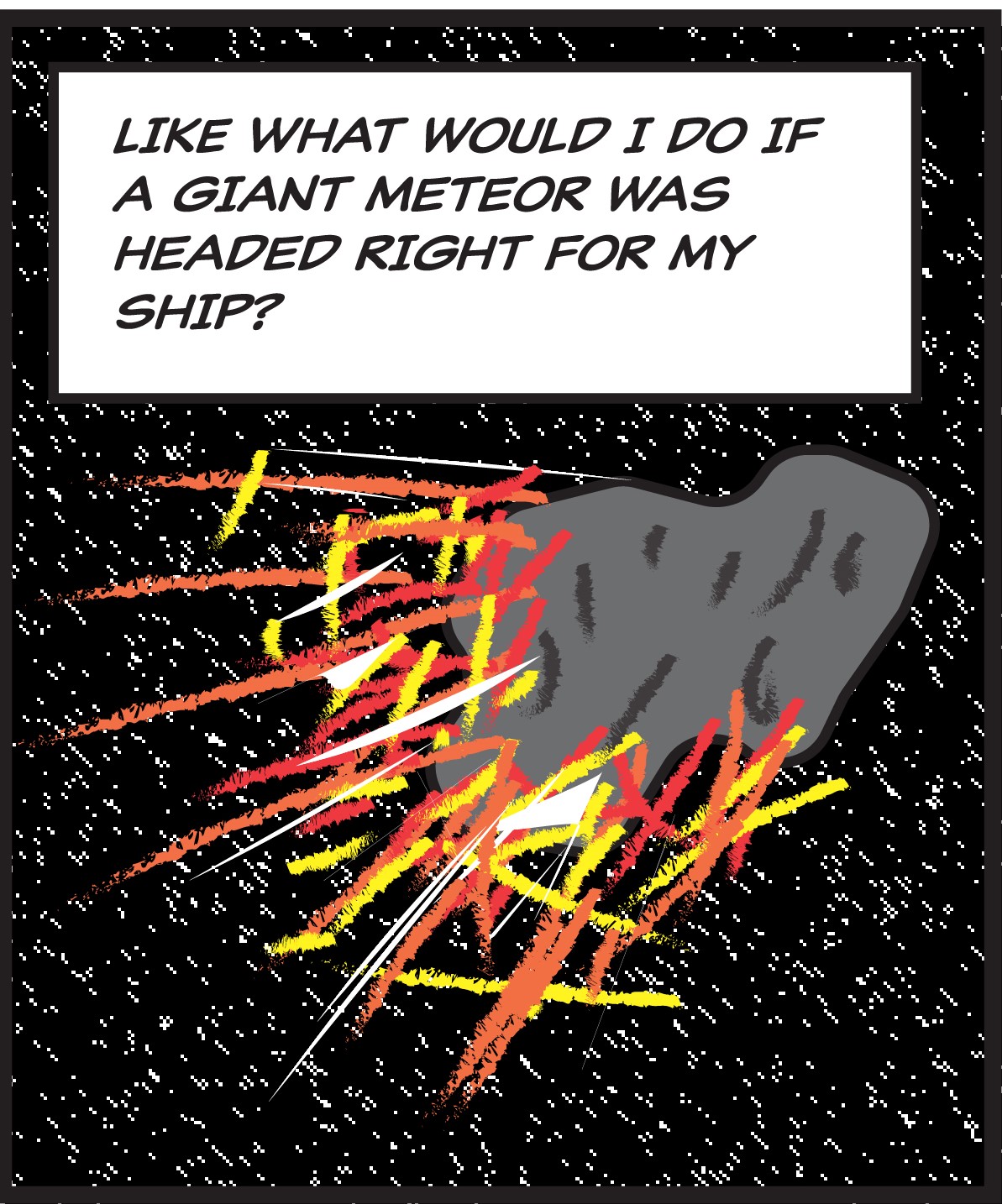
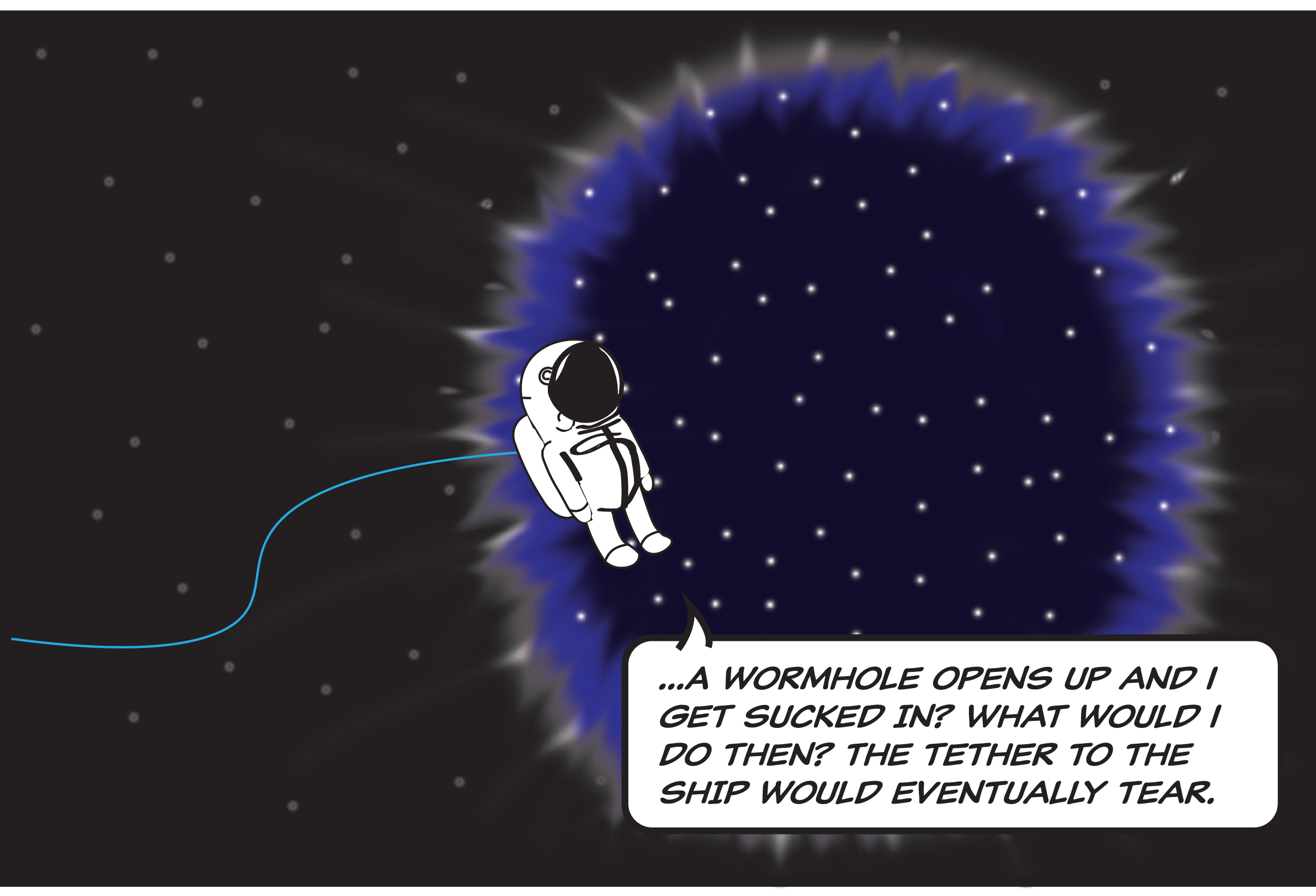
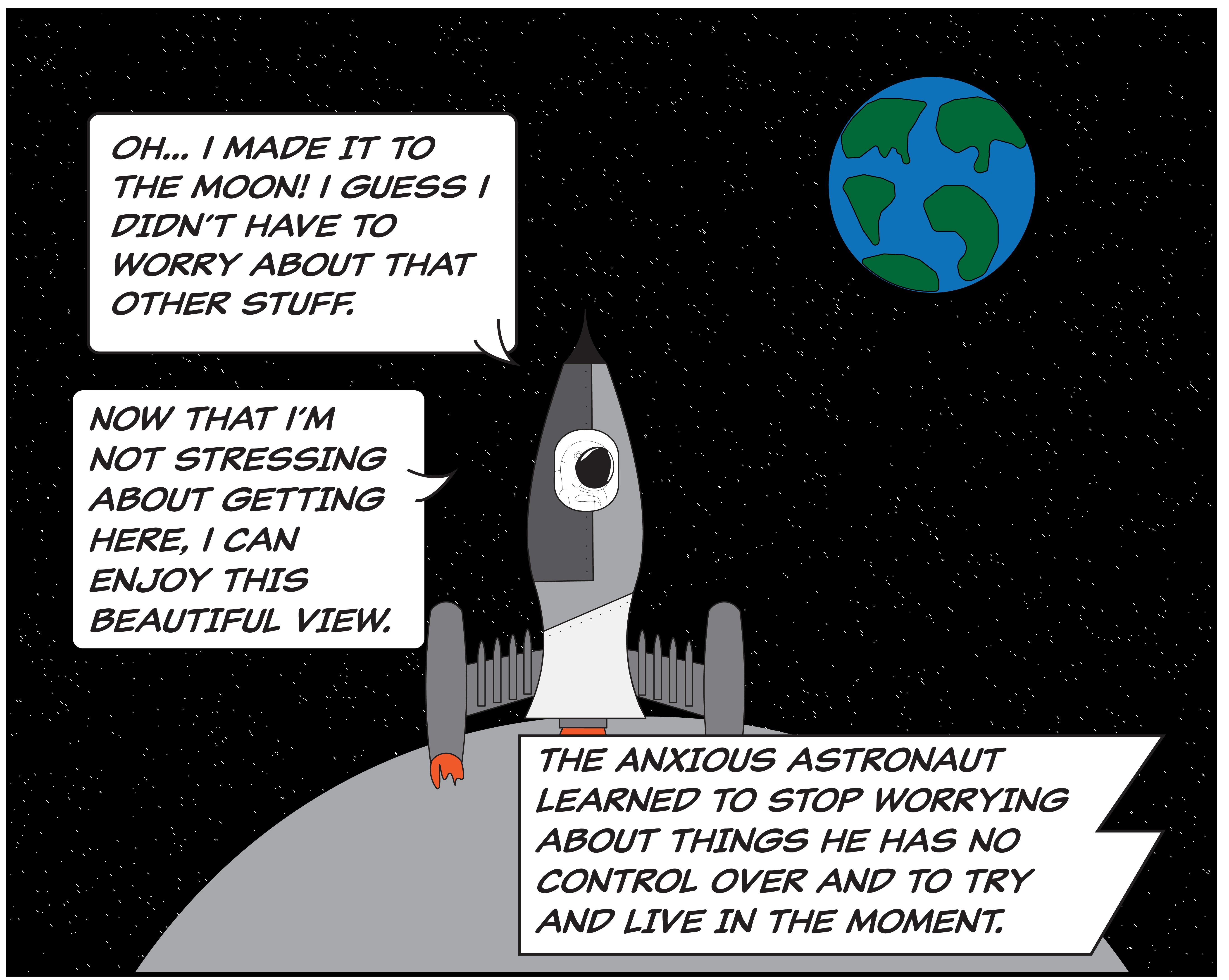
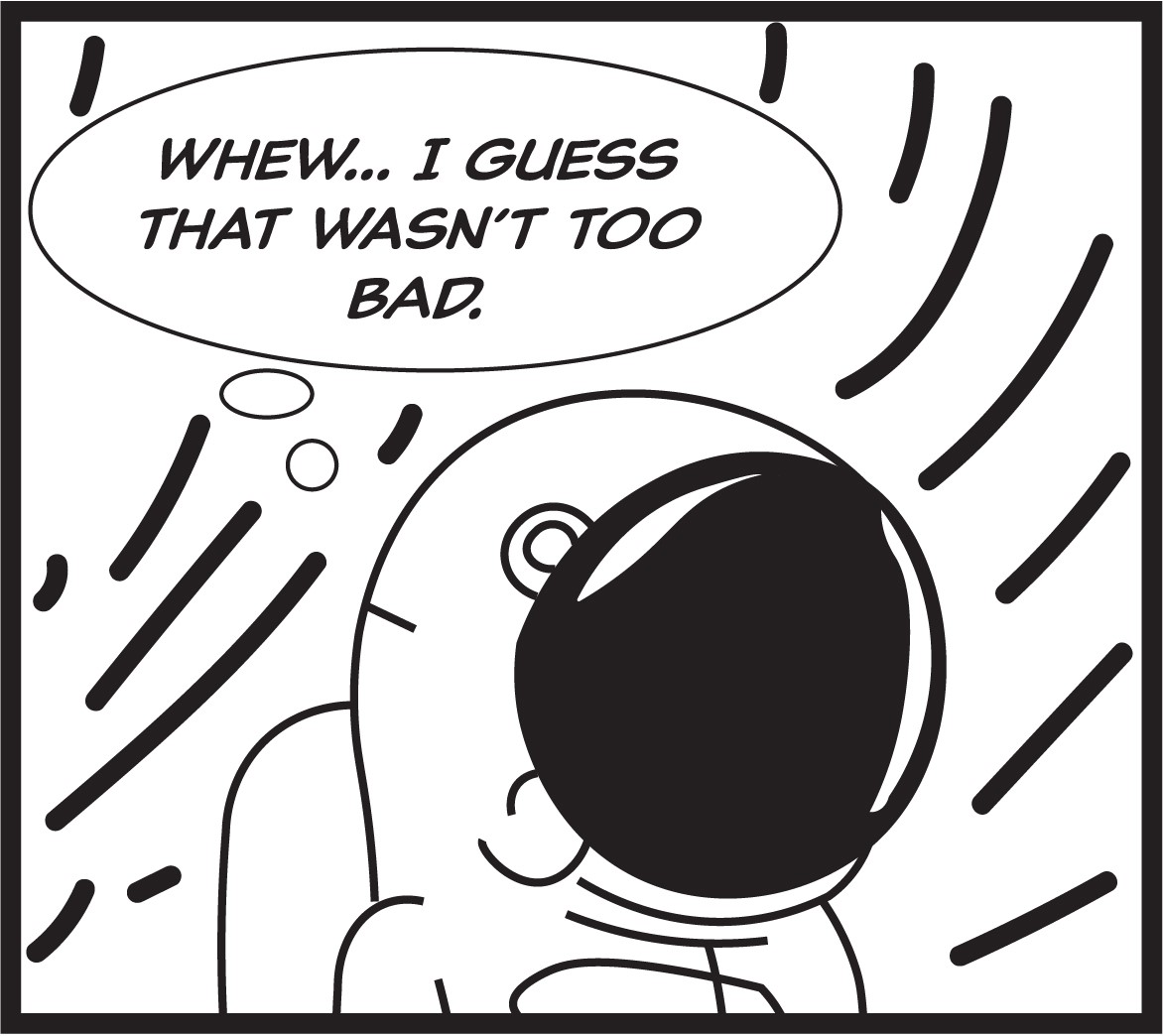
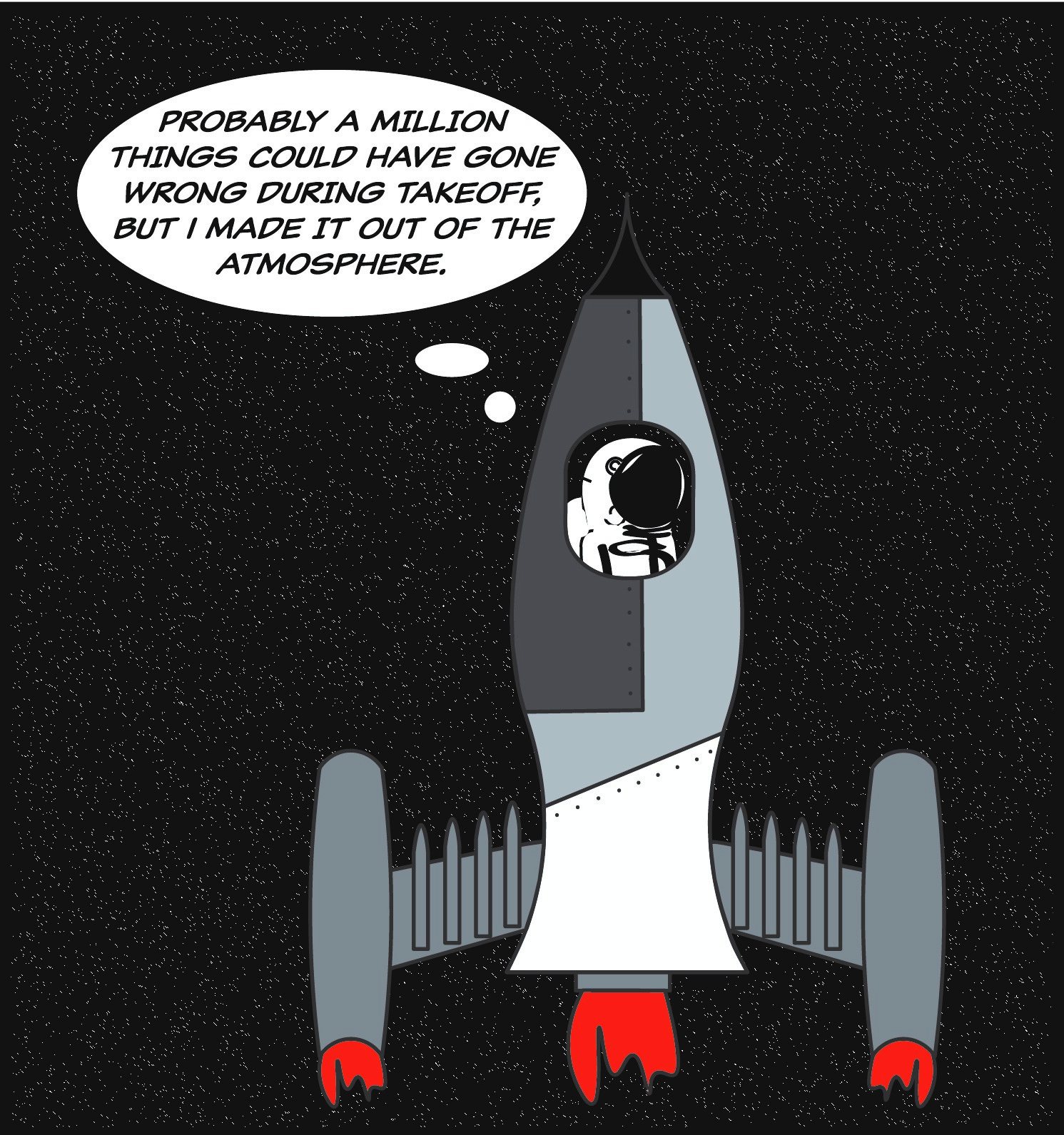
Web Comic: The Anxious Astronaut by Zach Morgan


Posted in Fall 2019 Archive (201 Blog), Uncategorized | Leave a comment

Web Comic: Joseph Alonso

Posted in Fall 2019 Archive (201 Blog) | Leave a comment

Web Comic – Maria Alvarez

A Bunnies Tale By Maria Alvarez

GIF by Maria Alvarez

Posted in Uncategorized | Leave a comment

Web Comic: Emily Bartholomew

My idea behind my webcomic was just by looking up some different types of webcomics on the internet and building an idea from there. The limitations that I had while making this comic was my creativity and art skills, that allowed me to do what I could do and only make. I wish that I could draw and design signs something that could be hung up on someone’s wall in their house, but with my skill, it’s going to stay on the fridge. I had endless possibilities of what I wanted to create but the problem with that is will it come out the way I want it to look. I can tell you now it did not come out the way I want it to come out, but because it didn’t come out the way I wanted it to bring a little bit of character to the comic. If my comic is viewed in different types of devices it will still be an animation and move around, but the size is the only thing that will change. On a smaller screen, the GIF will be smaller than if you were to watch it on a computer screen or with something that has a bigger screen. I think Scott McCloud would be accepting of my webcomic gif because when we read his webcomics on his website some of the comics had little animation to it. Even though my comic is a still image that is animated I think that it still fits into Scott McCloud’s definition of a comic.
At the beginning of making this project, I started off using Illustrator because I think that Illustrator is more useful to create a comic in, just because there are more tools and effects that you can use instead of Photoshop. But for making a GIF you can’t do that in Illustrator so I had to transfer all of my project parts into photoshop so that I could make it into a GIF. I didn’t know that I couldn’t make a gif in Illustrator, but if I would have known that before I would have just done all of my projects in Photoshop. I started off creating my website using HTML but for some reason, it wasn’t turning out the way I wanted it to turn out, so I decided to use web software like Wix. Using web software was a lot easier than building my website from scratch because it was flexible, and I was able to change things that I didn’t like in a matter of seconds. I got my Photoshop GIF file into the web software a lot easier than I thought, I thought I was going to run into a lot more problems about the file size or the animation wasn’t going to work on the website but everything was fine when I uploaded it on the site. Something that I learned about both about creating a GIF, is that it’s a lot easier to create a GIF than I thought it was going to be. Another thing that I learned about Photoshop and Illustrator is that you can only create a real GIF in Photoshop. You can make a GIF file type in Illustrator, but it won’t be animated unless you create it in Photoshop and make it into a real GIF file.

Posted in Uncategorized | Leave a comment

Final Web Comic: Bailey Tompkins

Glass Half Full, created by Bailey Tompkins, December 3rd 2019, WSU DTC 201, Project 3 – Web Comic

I was inspired to make a GIF after viewing Eroyn Franklin’s comic called “Long-Term Relationship”. I was interested in making a GIF because I felt that it fully utilized the concept of web viewing. GIF’s are unique because of their movement within the animation that otherwise couldn’t be viewed if not on the web. With GIF’s being limited to web viewing, I saw this as a perfect opportunity for this project. I followed a similar layout to Franklin by creating a GIF that has a start to finish that forever repeats. This allowed me to guide my viewer by making them feel like there wasn’t a rapid change between the beginning and end of the gif. I tried to ease the transition by slowly emptying the amount of juice in the glass and adding the juice back to the pitcher to create a subtle change before the gif restarted. I expect that the viewer will interact with my work by being able to view the entire GIF in one frame. I guided them to view the GIF this way by creating an orange frame around the GIF, similar to the backgrounds the Franklin uses her comic “Bikram Addict”. I found that my entire comic can be viewed without having to scroll or adjust the screen even if the reader is viewing on a desktop, laptop, or mobile device.

I believe Scott McCloud would agree that my work follows the elements of a comic. As McCloud defines a comic as images in deliberate sequence that convey information, my web comic combines the use of many pictures created from illustrator that are merged into a GIF on Photoshop to portray a pitcher of juice being poured into a glass. The deeper meaning behind this comic is to look at the glass half full rather than half empty and because the GIF is forever repeating, there will always be more juice, a metaphor for happiness, to fill your glass, a metaphor for one’s life, with. Therefore, just because the glass isn’t quite full right now, there is plenty of juice out there to fill it with.

As explained, I utilized both Illustrator and Photoshop to complete this assignment. I first made a series of jpgs from Illustrator by hand creating the figures shown on the GIF. I made the series of images by making small adjustment between each image to complete a final sequence of the glass being empty to being poured and emptied again. I then applied Photoshop by uploading the nine images created in Illustrator into Photoshop and creating a frame animation. In Photoshop I was then able to make each image its own frame and put them into chronologic order to create a time lapse animation. I then saved this as a GIF as my final web comic.

I uploaded my web comic on WordPress by using the class blog. Although the class blog has many limitations, I found that I was very satisfied with the viewing of my comic because of the frame I had previously created around the animation. Within WordPress my viewer can see the comic in one frame without having to adjust the screen or scroll therefore there was no need for me to make other accommodations for posting my comic elsewhere. I spent quite a bit of time deciding if I wanted to add a caption to the media or not, but I finally decided on adding a quote as a header to the GIF as well as a title to my overall post. I am very satisfied with my uploading experience to WordPress and found that the limitations didn’t affect me as much as I expected. I was able to upload my GIF file with no complications by simply adding it to the media and selecting “full size”.

Throughout the time of this final project, I not only significantly improved my skills within illustrator but I learned how to employ animated GIFs within Photoshop. Before this project, I never considered how GIFs are made or that it was even possible to make your own so easily, but by watching a few tutorials, I was able to utilize this feature on Photoshop that I didn’t even know existed. I really enjoyed learning how to use make my own GIF and now that I know how to do so, I will definitely be utilizing this feature in the future.

*Link To Blog Post of Final Comic

Posted in Fall 2019 Archive (201 Blog) | Leave a comment

Glass Half Full: By Bailey Tompkins


~ May Your Glass Always be Half Full ~


Posted in Uncategorized | Leave a comment

Final Web Comic: Madison Roby

My Webcomic: https://madisonroby.wixsite.com/webcomic

My Process and Inspiration

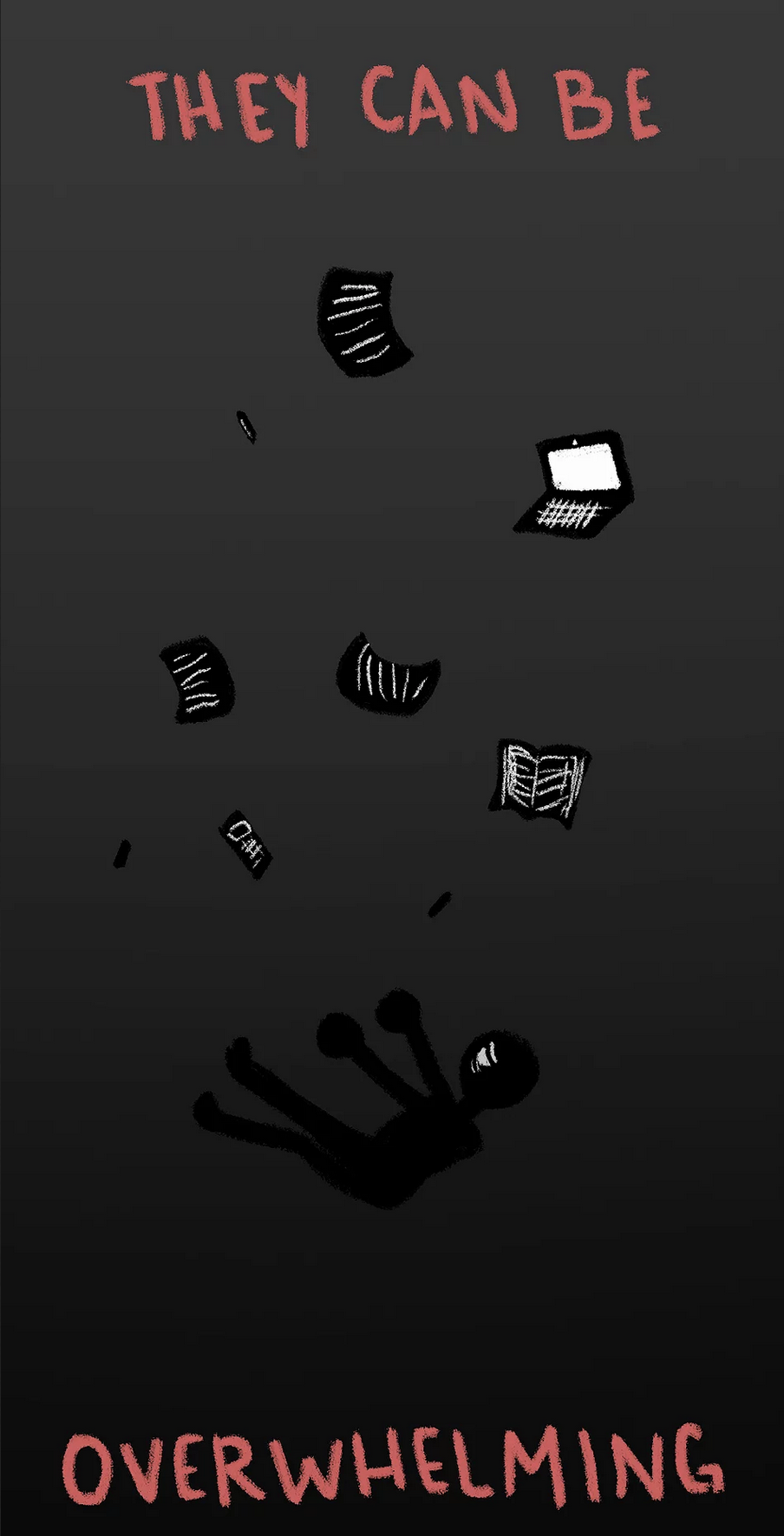
In my own personal experience, I have preferred screen reading over physical reading in the realm of comics due to things like intractability, color quality, and the ability to easily take and view things wherever I go. Using a website like Wix over, maybe, WordPress allowed me to be more free in how I placed my images and gifs, meaning that I could better control how my readers would interact with the work that I created; while this is true, there were still some limitations to using this rather than HTML, for instance, I had some difficulty lining things up exactly, as the website’s auto alignment would sometimes not let me move things how I wanted them. With these in mind, I decided to go the linear route and simply make mu comic a top to bottom read, inspired by traditional comics as well as a lot of “endless scrolling” webcomics.

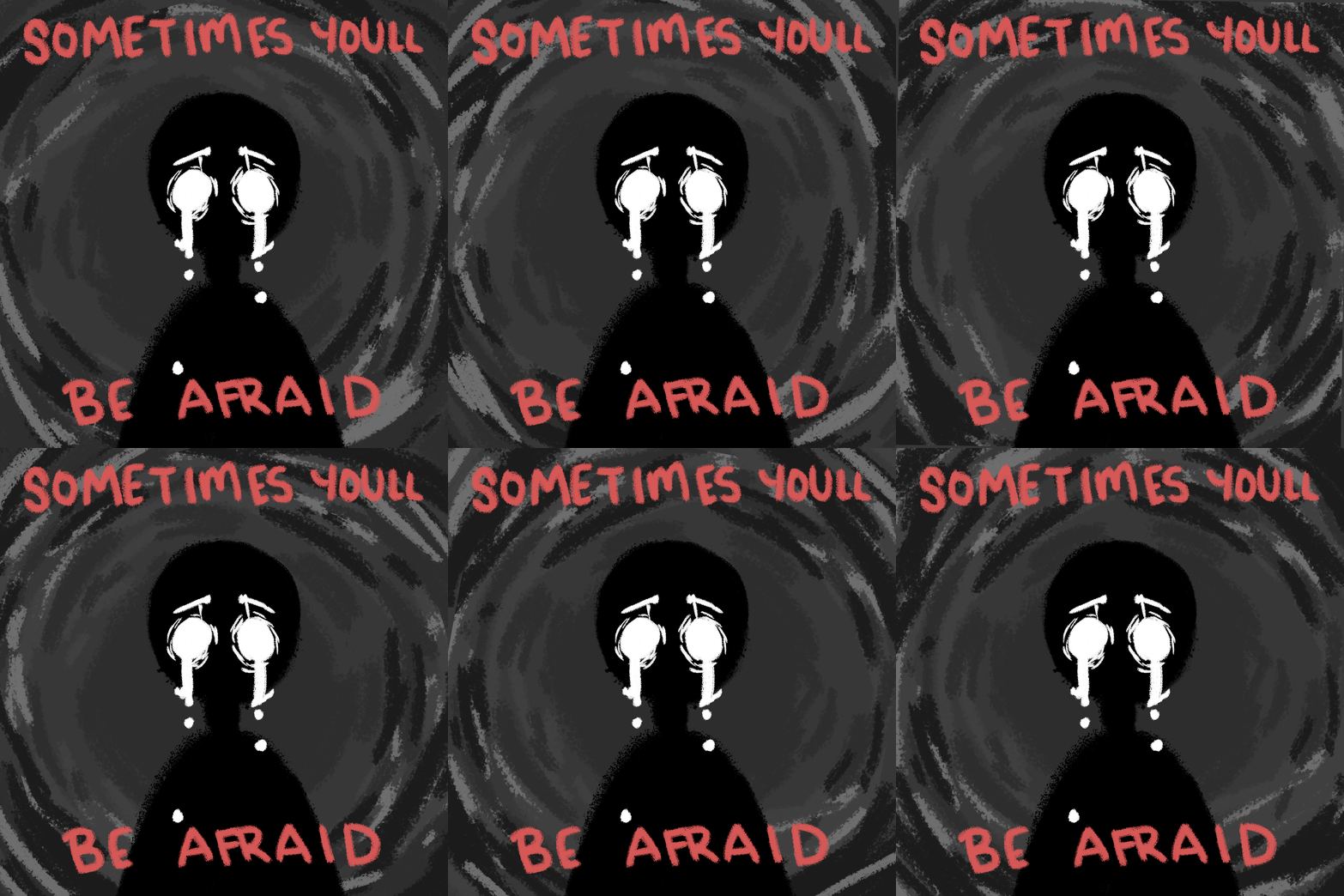
Panel 4 of my webcomic, “Be Still.” 2019.

Given this, the comic is relatively easy to navigate and be guided through, minus some longer panels where it may require the reader to scroll back some to read the panels beside it (see panel 4 of my webcomic). Along with this, there are gifs in my comic that require the reader to linger on them for a moment before continuing, my primary way of interacting with the reader. The other way I hoped to interact with them was through using simple characterization in order to allow them to better relate to the character I have created, as McCloud stated. Other than the simple iconography, looking at who is going to read my comic (primarily the people in this class) I chose a familiar theme pertaining to this particular time of the year: finals.

In the creation of my comic, using Wix allowed me to change how my comic is read on both laptops and phones, while that excludes tablets, I assume they would behave similarly to a phone. Since my comic is top down, it gets easily resized no matter what device is being used. A slight formatting problem that I had was, as stated above, panel 4 being long and having to scroll back some to view the next panel, however, on phones, that isn’t a potential issue.

While there are moving images and he considers comics to be pictures instead, McCloud himself embraced the use of gifs in some of his own webcomics which leads me to believe mine would still be considered a comic. I used simple iconography to better relate to the reader which, in my opinion, seems to have worked decently well, the character being somewhat anonymous in terms of looks.

My Experience Creating the Comic

For this comic, I wanted to include textures and movement, meaning that Photoshop was the best choice. The variety of brushes allowed me to create the feeling I was going for, using mainly charcoal type brushes. Illustrator, in my opinion, is better for creating smoother graphics, reminding me more like smooth plastic or metal compared to Photoshop where I can create something rougher and darker. Alongside this, using the timeline feature in Photoshop allowed me to create video or frame timelines and create gifs; I ended up using video timelines solely, as I didn’t feel as comfortable with the frame by frame timeline and not being able to move and time things in the same way. It was a learning curve figuring out how to use the timelines alongside making the transition between layers smooth in panel 8 (as panel 16 is meant to not be smooth in motion).

Panel 8 of my webcomic, “Be Still.” 2019.

In order to share my comic, I saved all my panels as individual JPEG files and uploaded them to a Wix site that I created, dragging and sizing them to how I needed them to be viewed. Using Wix felt smooth and efficient. While I had some issues with resizing my images exactly right, getting them to line up even when the auto align made it difficult, the finished product feels smooth and easy to look at and read. This will not have been my first time using Wix which is why I ended up using it rather than attempting HTML or WordPress as I was already teaching myself the Photoshop timeline function. For the gifs, I used Photoshop’s “Export>Save for web>GIF” function in order to save my files as gifs rather than JPEGS and be able to upload them effectively to my site.

This project helped me to learn some new things about Photoshop including manipulation of textured brushes, video timeline animation, and being able to upload these things to a Wix site. It pulled me from my comfort zone and allowed me to experiment with things that I don’t usually do even without having to learn HTML.


Posted in Fall 2019 Archive (201 Blog) | Leave a comment

Final Web Comic: Helena Matheson

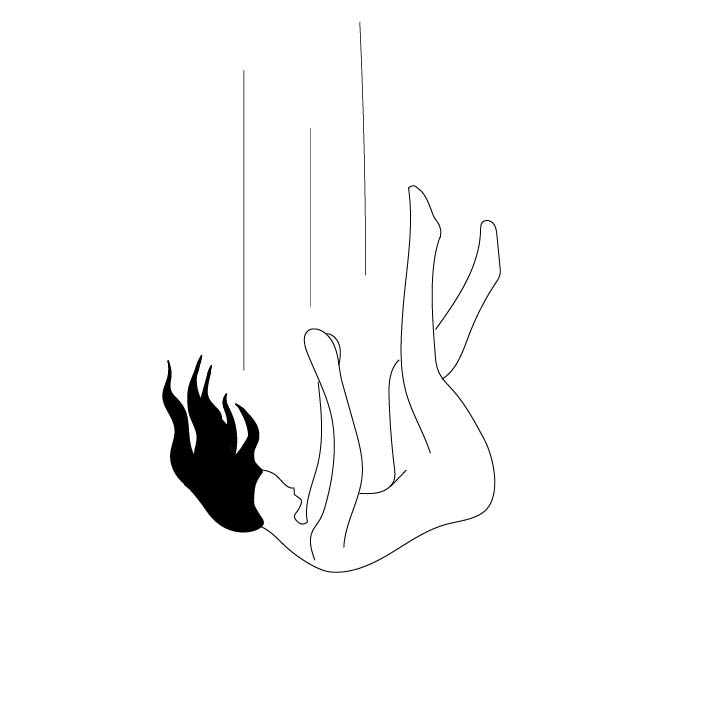
I really like how my final project has turned out. I think that it being on a website with scrolling made it very interactive and made it seem like she was actually falling. I also thought using a cloud background made it seem even more like she was falling through the sky. One limitation I have noticed is that when viewing it on the phone, the background picture cuts off after one and a half images, which is frustrating. It takes up the whole page when viewed on a computer. I think it is pretty simple and intuitive how to go through this comic, as you simply scroll down like you do on most websites. I think that Scott McCloud would really enjoy my use of closure and movement in these images, and I really feel that I did a good job working that into each of my images, along with the sense of movement when scrolling down the page.

Fallin by Helena
Matheson

For this assignment, I used Illustrator. I felt that it had all the tools I would need to draw this comic, and it turned out well in my opinion. To put my comic online, I made a Wix website. I have used Wix in the past and it was pretty easy to format it the way I wanted. One thing I always like about Wix is the way it displays backgrounds. To transfer my files from Illustrator, I exported the images as JPEG’s to a folder and saved each artboard individually. I then placed them in the correct order vertically on my webpage. This project taught me more about artboards. In the past, I would just have several different pages open all for one project, which became difficult. Using artboards allowed me to see everything for my project on one page.


https://helenarose98.wixsite.com/dtc201final

Posted in Uncategorized | Leave a comment

Web Comic Demo 3

Posted in Fall 2019 Archive (201 Blog), Sample Posts by Your Professor | Leave a comment