
For my patterns I made the geometric one with ovals and rounded rectangles. By doing this, I was able to use the shapes tool and make them identical to each other. I added the dark green dot in the middle as the focal point so when I used the pattern tool, they were replicated and consistent. The pattern appears to be tiled and repeated on purpose. I wanted a pat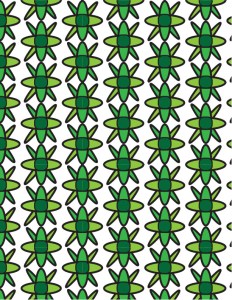 tern that was something that could be easily used as a background and simple to follow. The colors interact by using different shades of green to highlight the difference between them. I wanted a certain theme within it and wanted them to all be similar colors to each other. The values were relatively light, with the difference of the focal point being dark green. This added contour to my design and showed subtle differences.
For my organic pattern, I wanted something hand written, although I physically am not the best artist. I decided to draw different shapes and use colors that complimented each other well. I made one shape, the heart, recognizable but the rest were abstract, strictly organic and unreadable. With the colors, I only wanted two solid colors to make it simple and blend easily together when I used the pattern tool.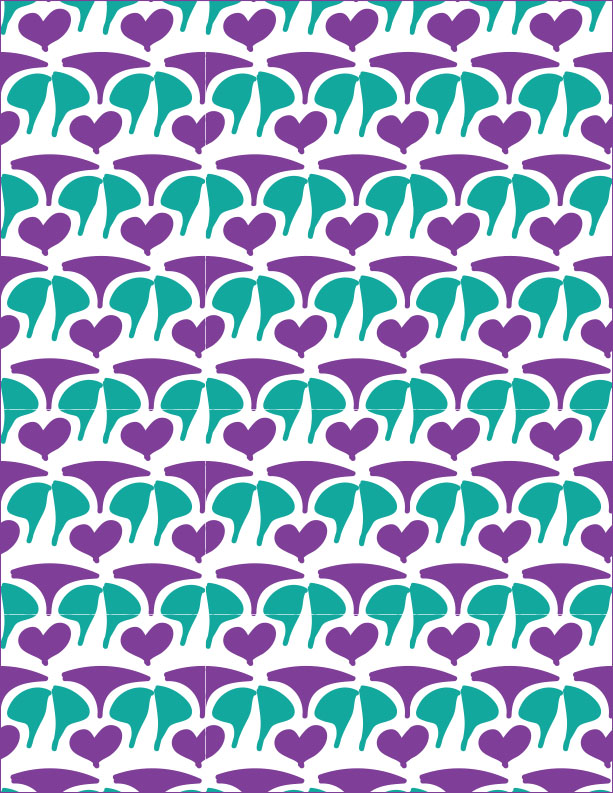 Because of the drastic contrast, It makes other shapes that are combined into other organic shapes. Overall, I enjoyed learning how to use the pattern tool and I know it will be useful for future projects or jobs.
 Kristin Becker's DTC Classes at WSU